
Features
Everything you need
to build in 3D.
A visual editor, a library of objects, real lighting, no-code interactions and one-link publishing — in the browser, on open A-Frame.
How it works
From an empty grid to a link anyone can step into.
-
Build
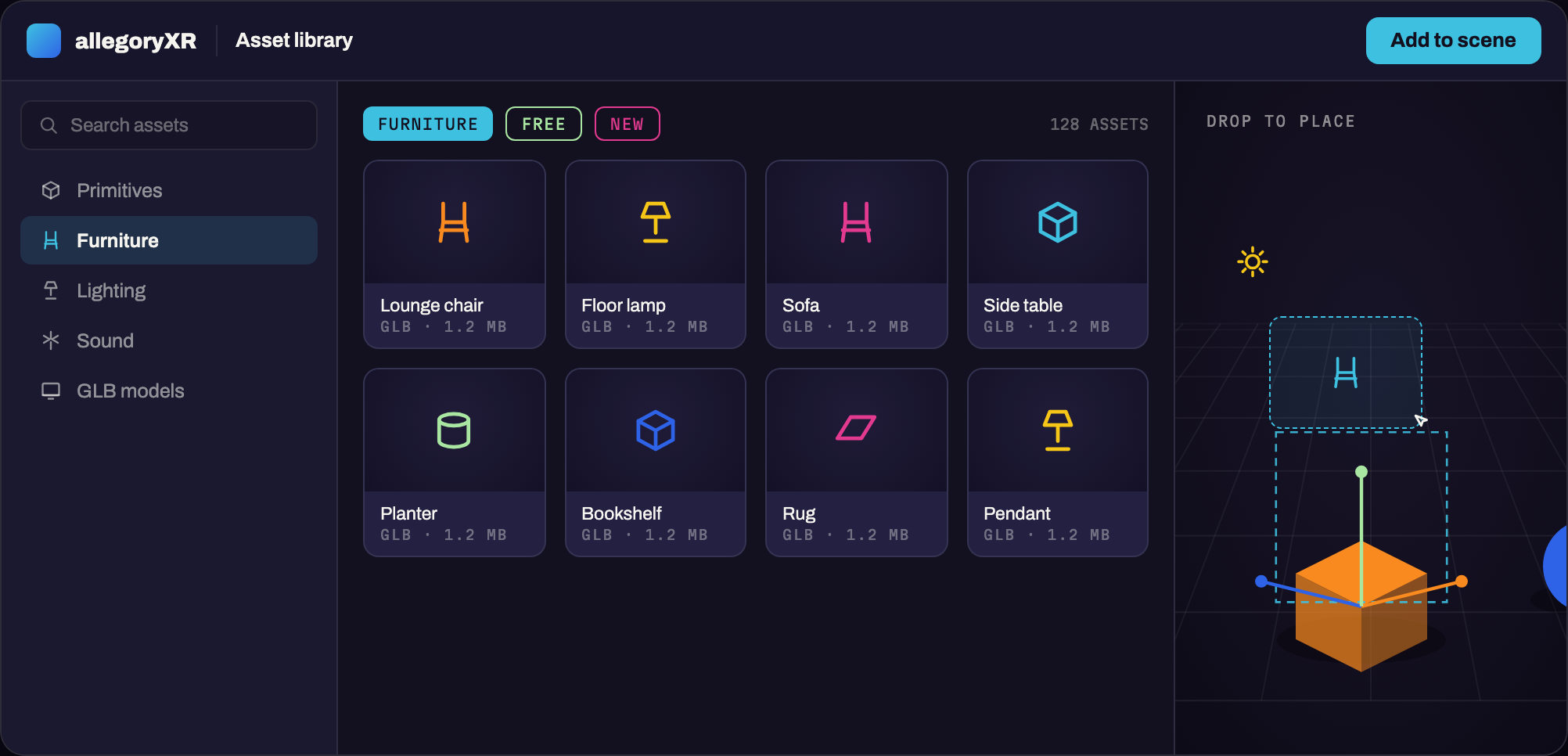
A library of objects, ready to place
Drag primitives, props, lights and sound onto the canvas, or import your own GLB and GLTF models. Everything snaps to a real metric grid and is walkable in 3D the moment you place it.
-
Light
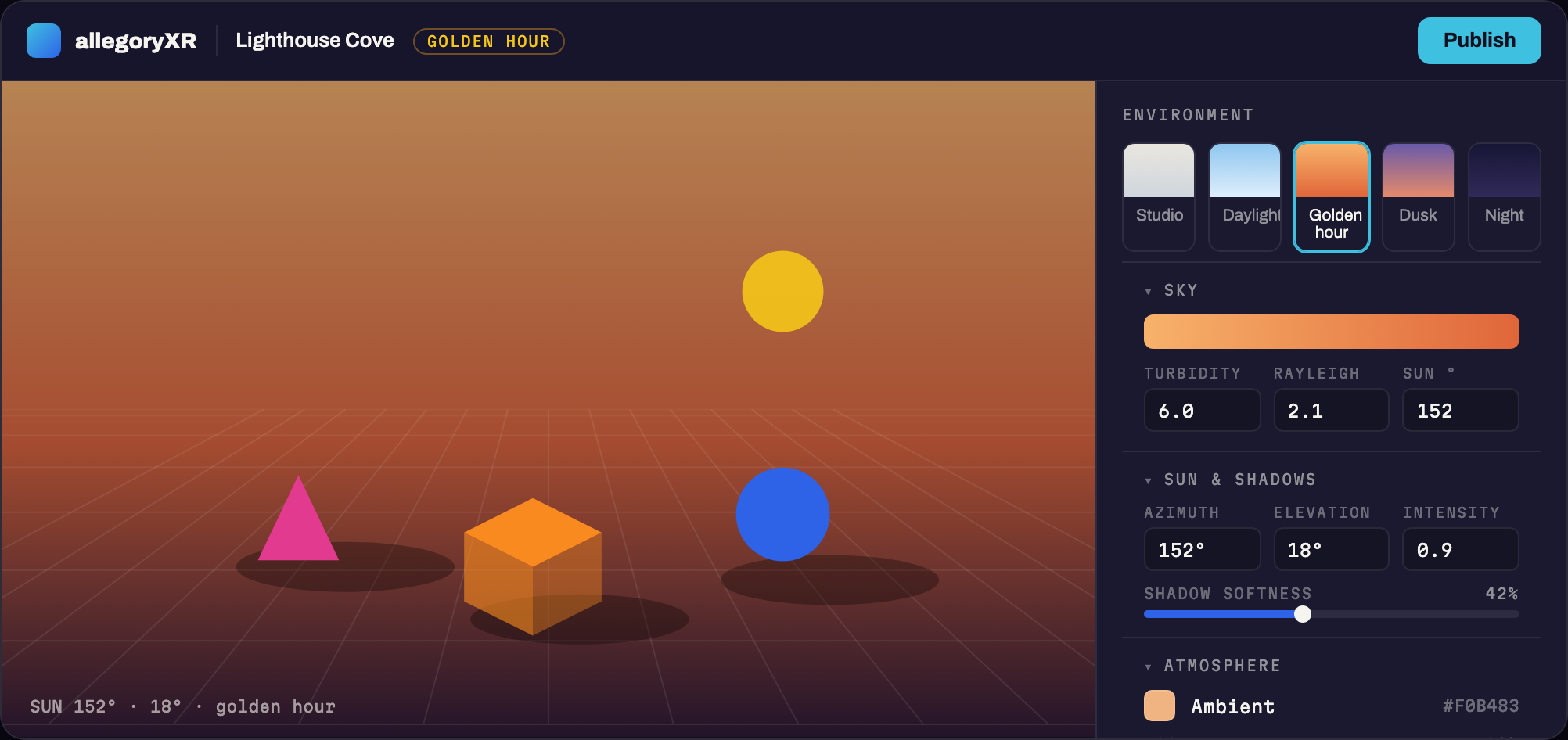
Set the light. Set the mood.
Golden hour, studio, or midnight — pick a sky and the whole scene relights. Aim the sun, soften the shadows, add fog, and dial exposure until it feels right.
-
Interact
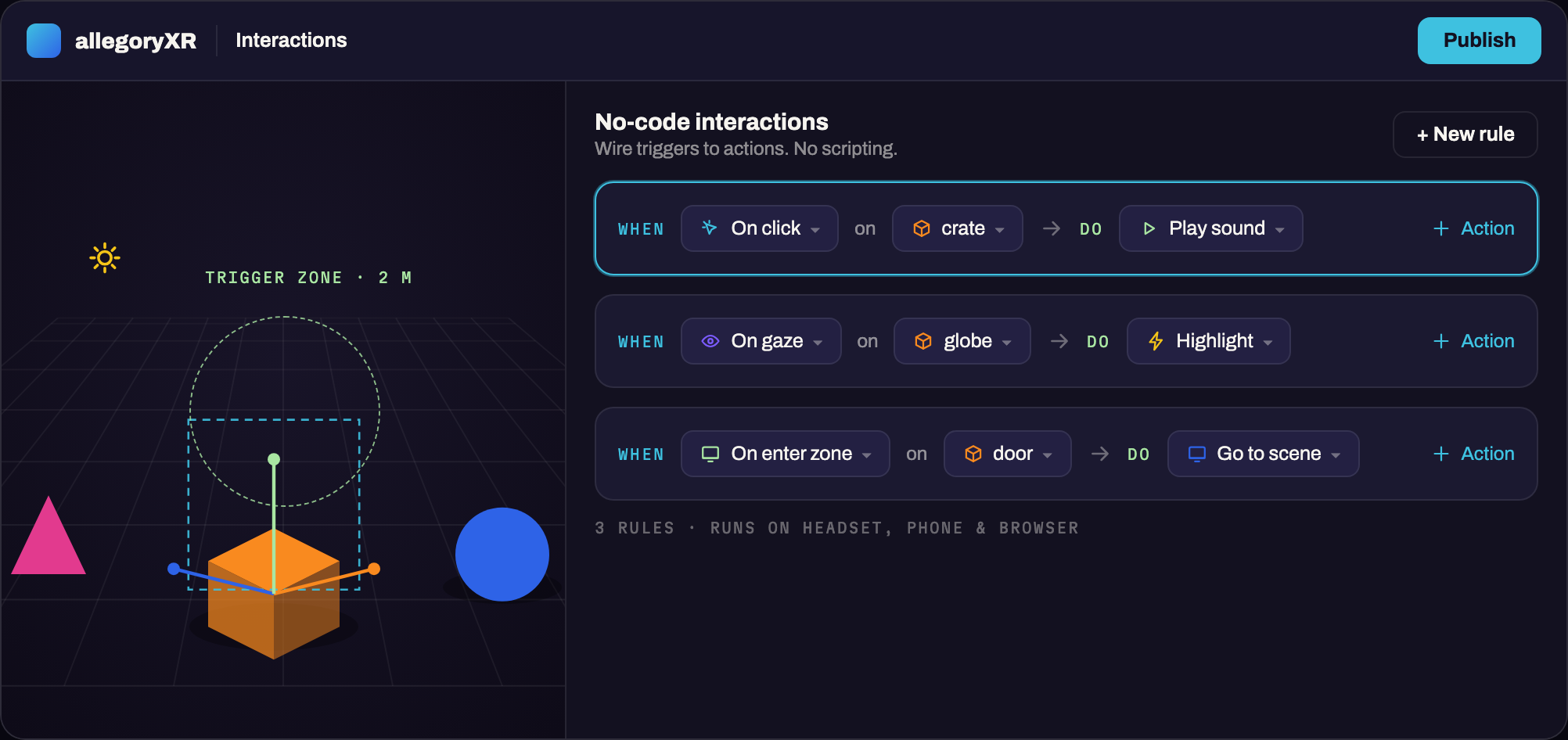
Add behaviour, not code
Wire triggers to actions in plain language — on click, on gaze, on entering a zone — then choose what happens: play a sound, highlight, open a door, jump to another scene. Same behaviour on a headset, a phone, or a browser.
-
Publish
One link. Every device.
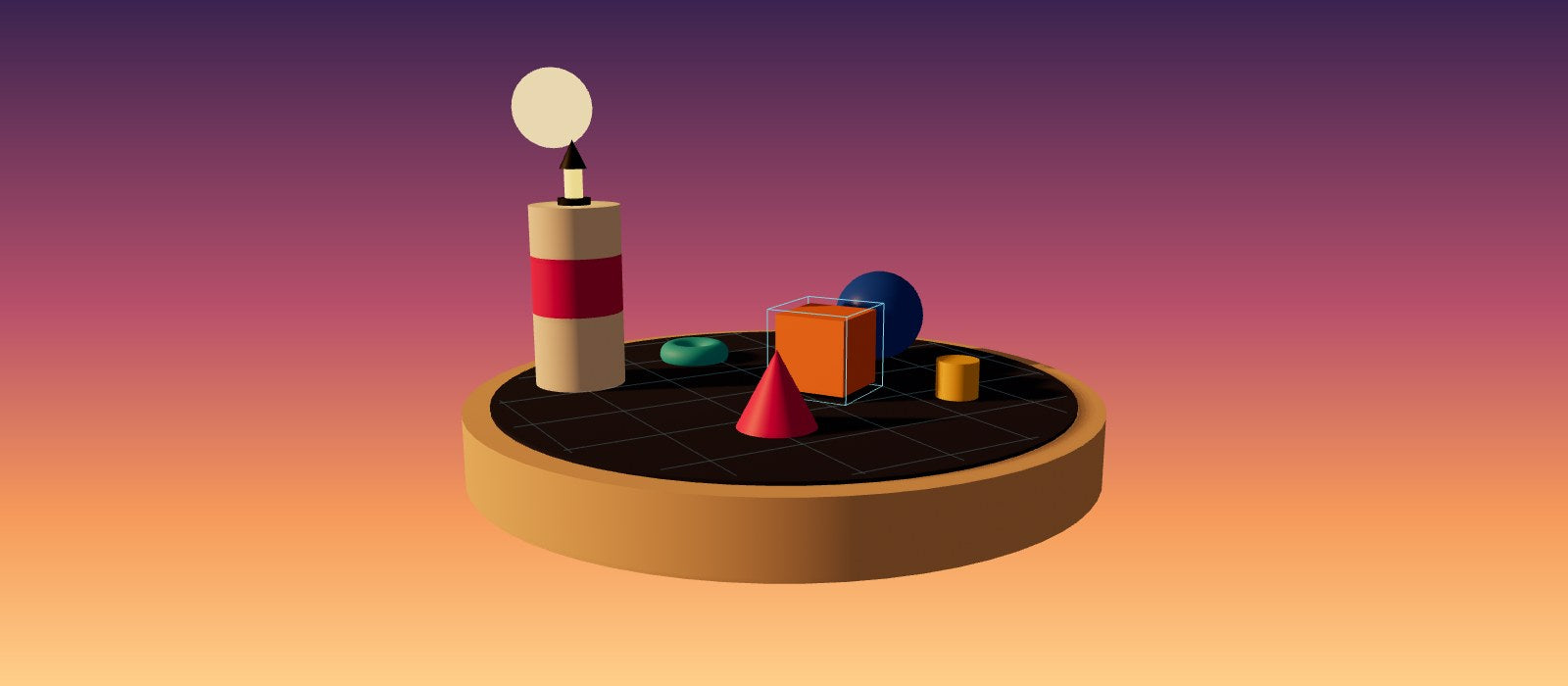
Hit publish and your scene becomes a URL. Headset owners step inside in VR; everyone else explores in the browser or on their phone — no app store, no downloads. Update the scene and the link never changes. Scan the code to try one.
Publish sceneReadyOne link. It opens in any browser and steps into VR on a headset.
Scan with your phoneallegoryxr.com/pages/lighthouse-cove- Public linkAnyone with the link can enter
- Visit togetherWalk the scene with others live
- Require store loginOnly signed-in customers
Everything else
Built for people who ship
The details that make a scene feel finished — and the ones that keep it yours.
PBR materials
Colour, metalness and roughness on every surface.
Sky, sun and shadows
Sky presets, an aimable sun, soft shadows, fog and exposure.
Physics
Gravity and collisions per object — stack it, drop it.
A real metric grid
One square is one metre, so scale feels right the moment you step inside.
GLB / GLTF import
Bring your own models straight into the scene.
Custom components
Drop in any A-Frame component when you need more — or have your AI assistant write one.
With AI →Visit together
Walk a draft with collaborators in real time.
Your own domain
Publish scenes on a domain you own, without the AllegoryXR badge.
Private & password scenes
Keep client work and drafts behind a password or store login.
Scene analytics
See how many people step into each published scene.
Under the hood
Your scene is honest HTML
AllegoryXR builds on A-Frame, the open web framework for XR. Every scene is readable markup underneath — export it, hand-edit it, drop in custom components, or keep it visual forever. No lock-in, ever.
<a-scene>
  <a-box color="#F98A1F" position="0 1 -3"></a-box>
  <a-sphere color="#2E63E7" radius="1.2"></a-sphere>
  <a-light type="ambient" intensity="0.6"></a-light>
  <a-sky color="#131120"></a-sky>
</a-scene>